


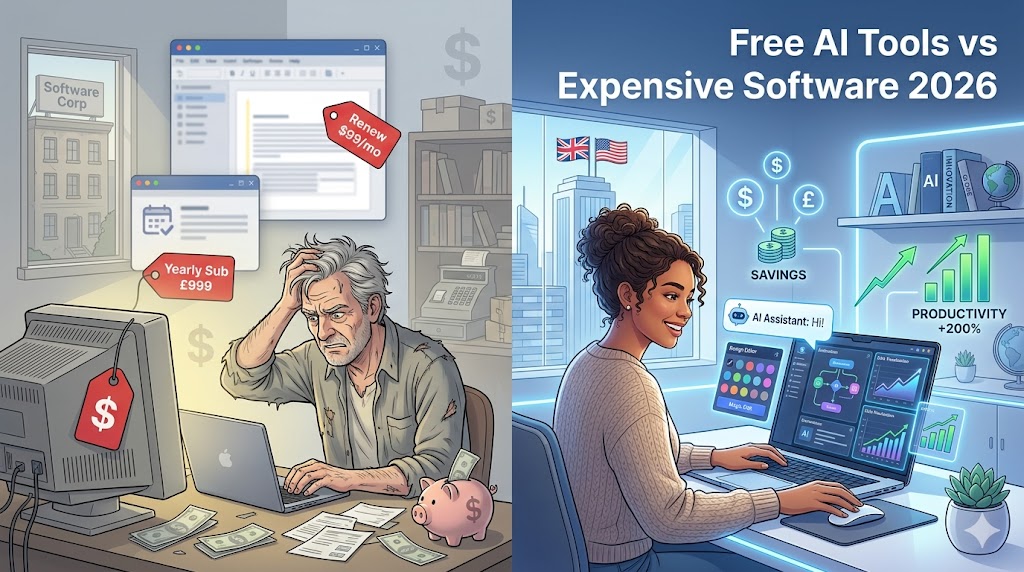
In 2026, the way people use software has changed dramatically. Not long ago, students, freelancers, and small businesses in the UK and the United States had to rely on expensive tools like Adobe Photoshop, Microsoft Office, or premium writing assistants just to get basic work done.
Today, that’s no longer the case.
Thanks to the rapid growth of Artificial Intelligence, there are now free AI-powered tools that can perform many of the same tasks — often faster, smarter, and with less effort.
This guide explores the best free AI tools that can replace expensive software, helping you save money while still producing professional-quality work.
Why Free AI Tools Are Replacing Paid Software
The shift toward AI tools is happening for a few key reasons:
- Cost savings – Many premium tools cost $10–$50/month or more
- Ease of use – AI simplifies complex tasks
- Speed – Tasks that once took hours now take minutes
- Accessibility – Anyone can start without advanced skills
For students and beginners especially, this opens up powerful opportunities without financial pressure.
1. Writing & Grammar Tools
Replace Expensive Writing Software
Traditional paid tools like premium grammar checkers or editing software can be costly. But free AI tools now offer similar capabilities.
ChatGPT – Free Writing Assistant
ChatGPT can help you:
- Generate essays and blog posts
- Rewrite sentences
- Improve clarity
- Brainstorm ideas
Instead of paying for multiple tools, you can use one platform for multiple writing tasks.
Grammarly (Free Version)
Even the free version offers:
- Grammar correction
- Tone suggestions
- Basic clarity improvements
Real Benefit
Students in the UK & USA can now produce high-quality academic writing without paying for premium editors.
2. Graphic Design Tools
Replace Expensive Design Software
Tools like Photoshop used to dominate design work — but they require skill and subscription fees.
Canva – Free Design Powerhouse
Canva allows you to:
- Create social media posts
- Design presentations
- Make thumbnails
- Build marketing graphics
With AI features, it can generate layouts and suggest designs automatically.
Why It Works
- Beginner-friendly
- Drag-and-drop interface
- Thousands of free templates
Result
You can create professional-level designs without expensive software or training.
3. Video Editing Tools
Replace Premium Video Software
Professional video editing tools can be expensive and complicated.
AI-Powered Alternatives
Free AI video tools now allow:
- Automatic subtitles
- Scene generation
- Voiceovers
- Quick editing
Canva (Again)
Canva also includes:
- Video editing features
- Animation tools
- Ready-made templates
Benefit
Perfect for:
- YouTube creators
- Social media content
- Marketing videos
4. Research & Search Tools
Replace Traditional Search Methods
Instead of browsing multiple websites, AI tools give direct answers.
Perplexity AI
This tool:
- Provides direct answers
- Includes sources
- Summarizes information
Why It’s Powerful
- Saves time
- Improves research quality
- Reduces information overload
5. Note-Taking & Productivity Tools
Replace Paid Productivity Software
Notion AI
Notion AI helps with:
- Writing notes
- Summarizing content
- Organizing tasks
- Planning projects
Student Advantage
- Keeps everything in one place
- Reduces stress
- Improves efficiency
6. Learning & Education Tools
Replace Paid Courses and Tutors
Khan Academy
Offers:
- Free lessons
- Practice exercises
- AI-supported learning
Why It Matters
Students can learn:
- Math
- Science
- Economics
Without paying for expensive tutoring services.
7. Language Learning Tools
Duolingo
Features:
- Gamified lessons
- AI-driven personalization
- Daily practice
Result
Learn new languages for free — no need for expensive courses.
Free vs Paid Tools: Honest Comparison
| Feature | Free AI Tools | Paid Software |
|---|---|---|
| Cost | Free | Monthly subscription |
| Ease of Use | Very easy | Often complex |
| Features | Good (sometimes limited) | Advanced features |
| Learning Curve | Low | High |
| Accessibility | High | Restricted |
When Should You Upgrade to Paid?
Free tools are powerful — but not always enough.
Consider upgrading if:
- You need advanced features
- You work professionally
- You require higher limits
Best Free AI Tools Combo (Recommended Setup)
For maximum productivity:
- Writing → ChatGPT + Grammarly
- Design → Canva
- Research → Perplexity AI
- Notes → Notion AI
- Learning → Khan Academy
This combination can replace multiple expensive subscriptions.
Mistakes to Avoid
❌ Relying Completely on AI
Always review and edit output.
❌ Ignoring Quality
Free tools don’t mean low standards.
❌ Using Too Many Tools
Stick to a simple workflow.
Final Thoughts
The rise of free AI tools has completely changed the digital landscape.
In 2026, you no longer need expensive software to:
- Write professionally
- Design graphics
- Edit videos
- Learn new skills
What matters now is how you use these tools, not how much you spend.
Conclusion
Free AI tools are not just alternatives — they are becoming the new standard.
For students, freelancers, and beginners in the UK and the USA, this is the perfect time to:
- Save money
- Build skills
- Work smarter
Start with free tools, master them, and upgrade only when necessary.